How it works

- 1
Scan or search
Open the app with no account. Scan a barcode or type a name. The catalogue is checked first. A barcode it does not know stays unknown.
- 2
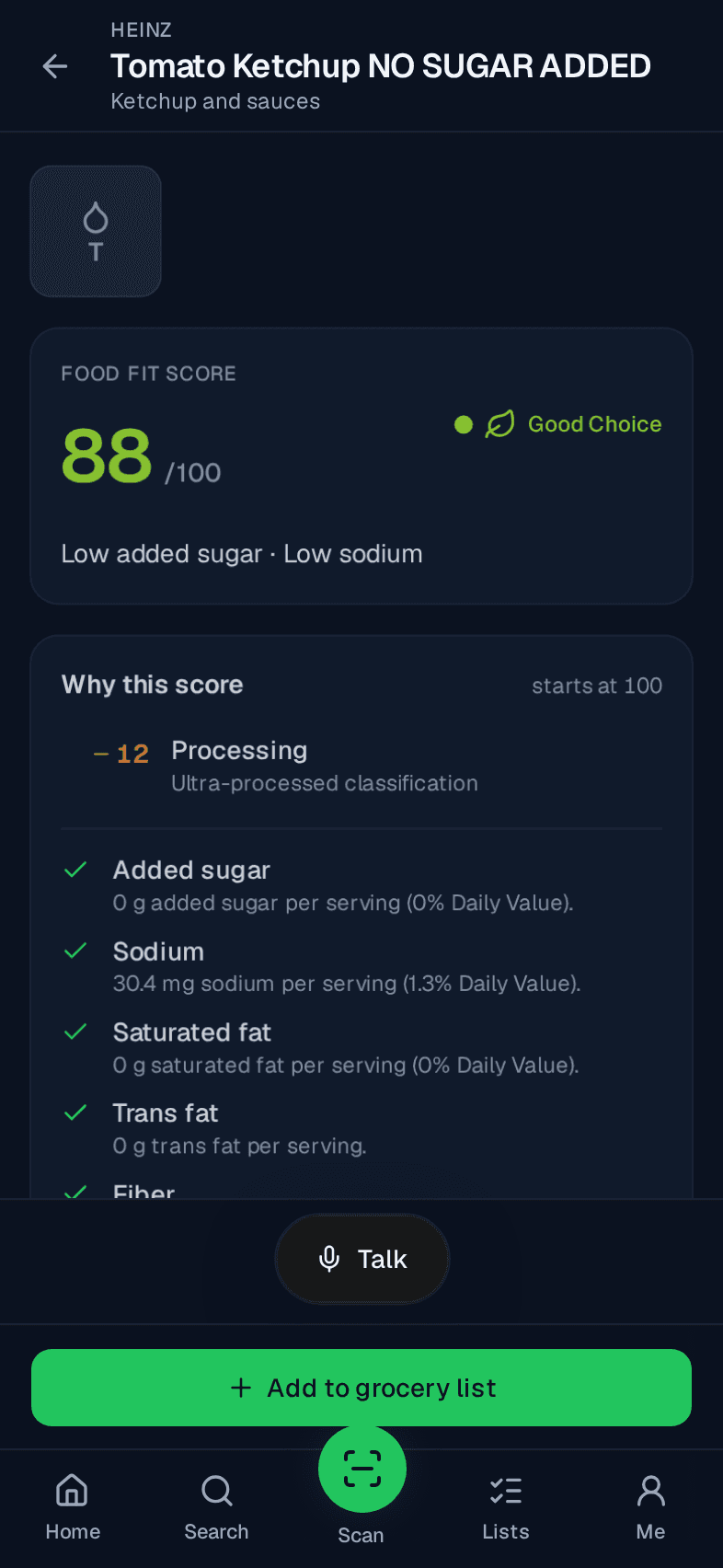
Read the match
The ring shows 0 to 100 with a word and an icon. Every point that moved the score is listed. Set preferences if you want them. Skip leaves them unset.
- 3
Swap, compare, or list it
A closer match in the same category is offered when one scores at least 10 points higher. Add the food to a list only if you want it there.