Features
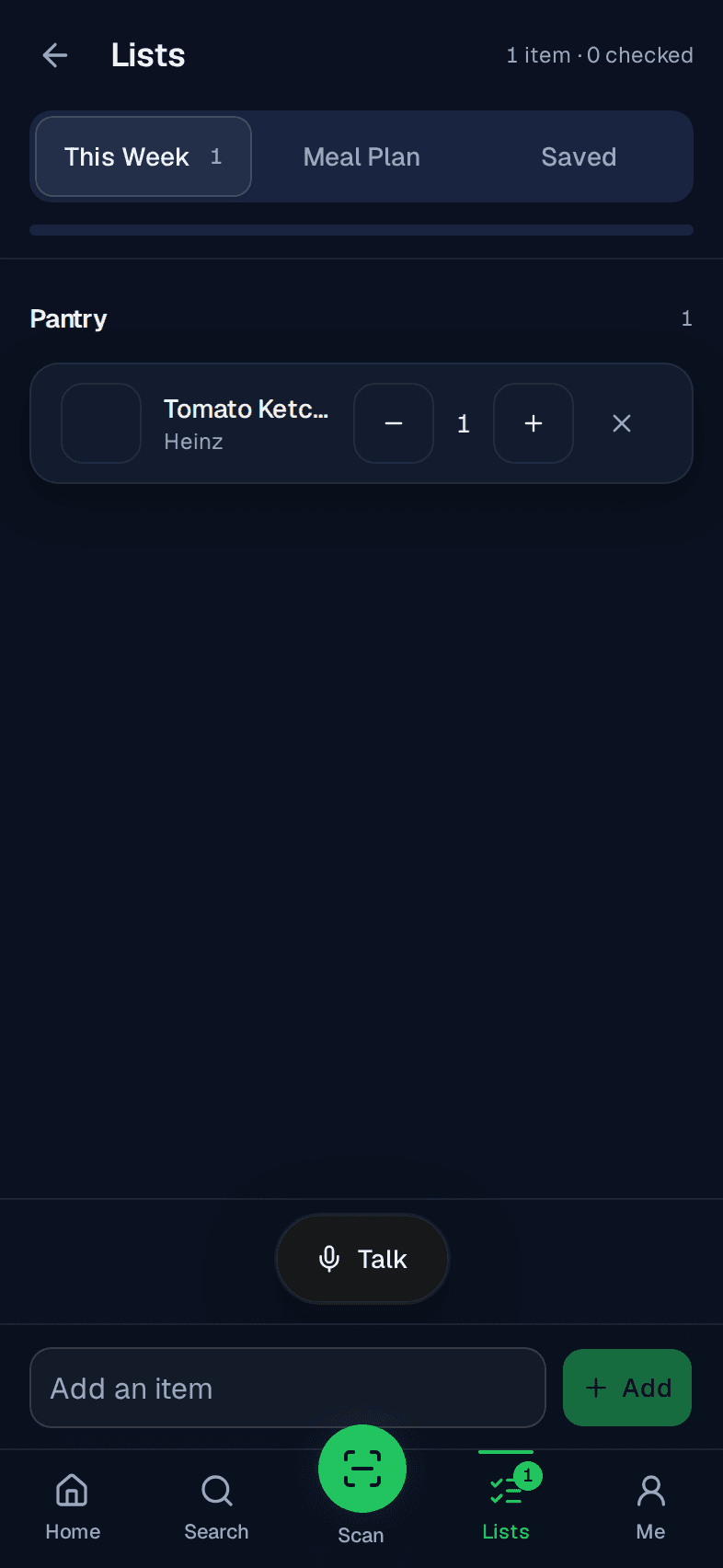
The phone frames are the app, captured from the starter catalogue. Premier items are marked. Light covers search, scan, preferences and lists.
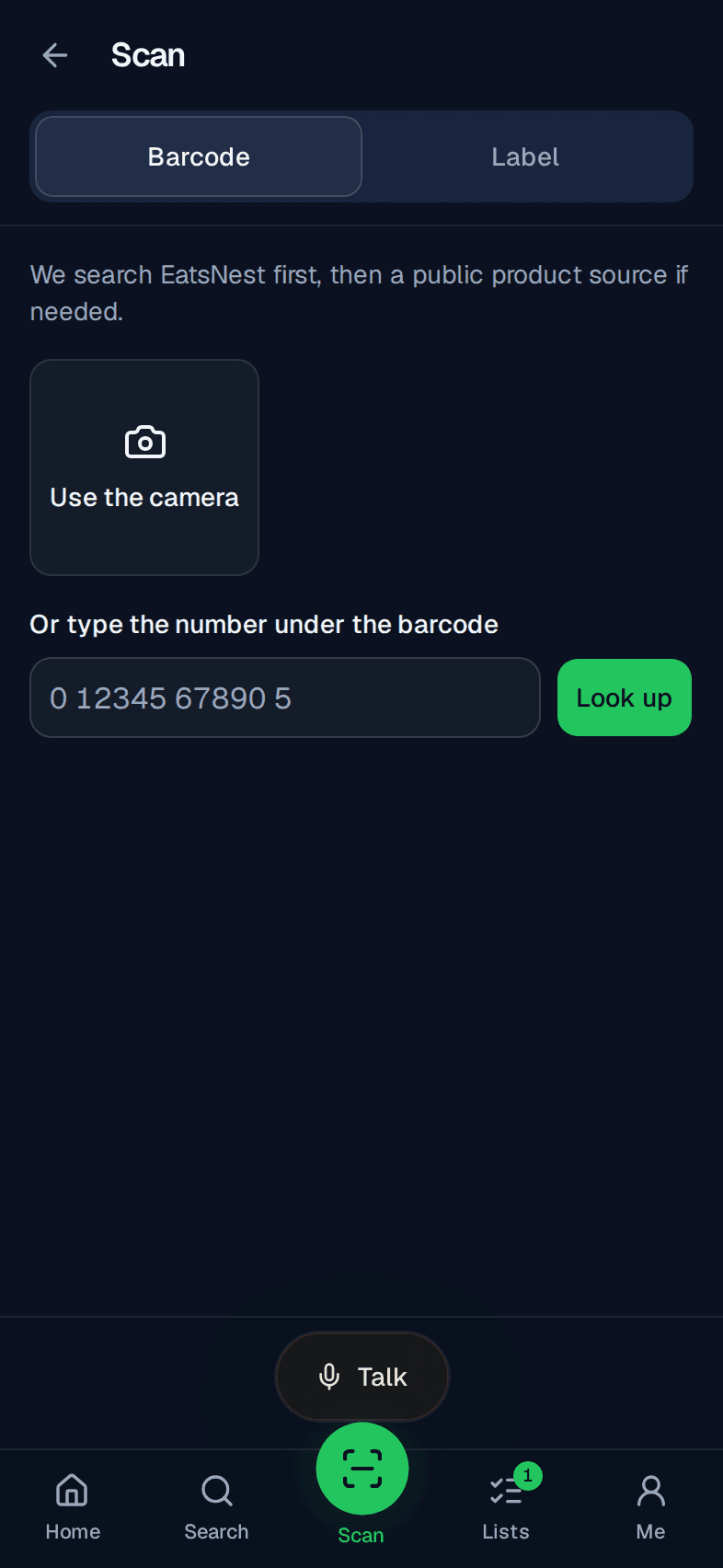
Scan
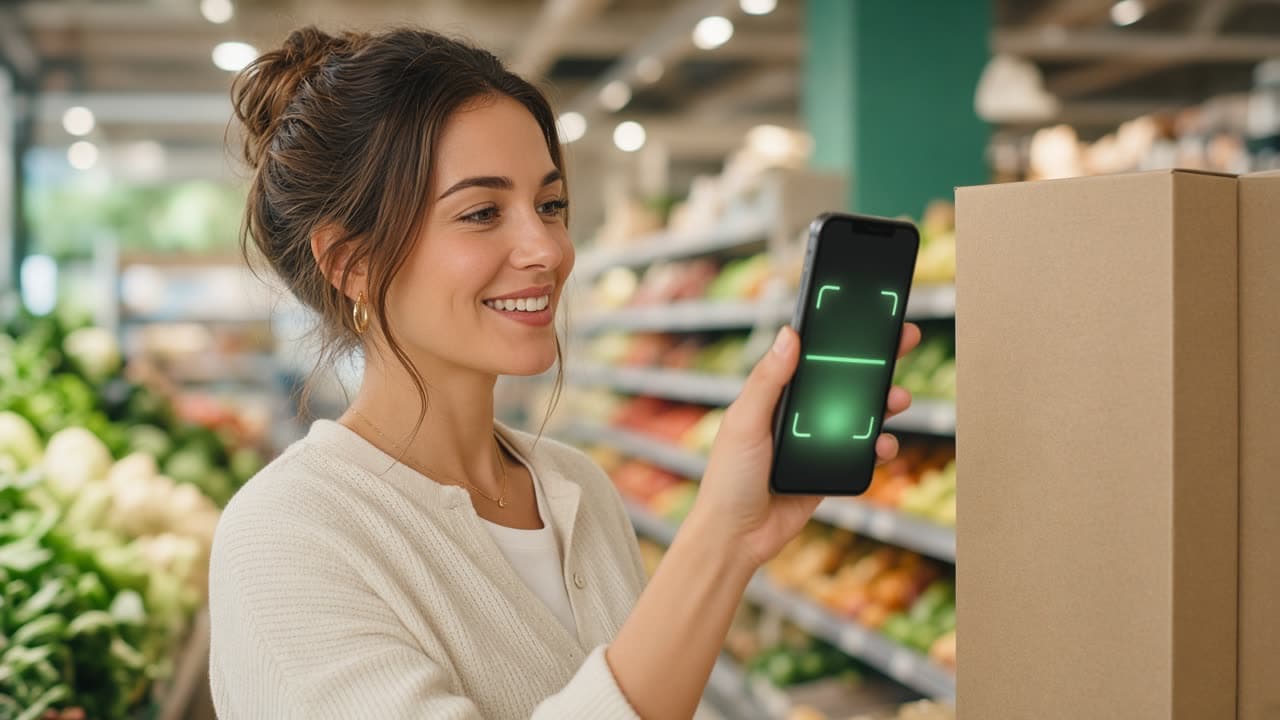
Enter a barcode or photograph a label. A known barcode opens the product. An unknown one does not invent a food. A label grade waits until you confirm the text.
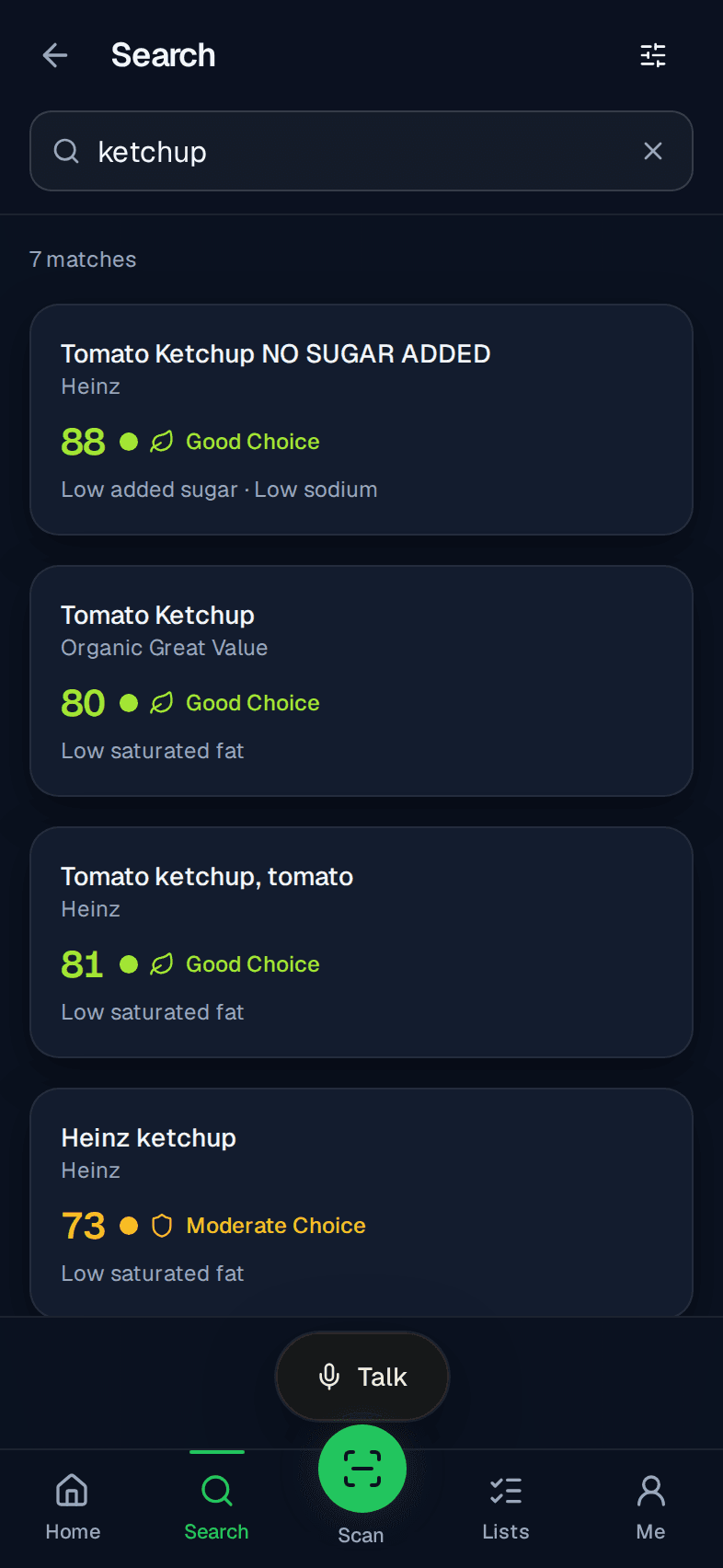
Search
Type a food. Results come from the EatsNest catalogue first, each with a Food Fit score and one reason line. If the catalogue has nothing, a configured Open Food Facts search can offer a barcode to look up.
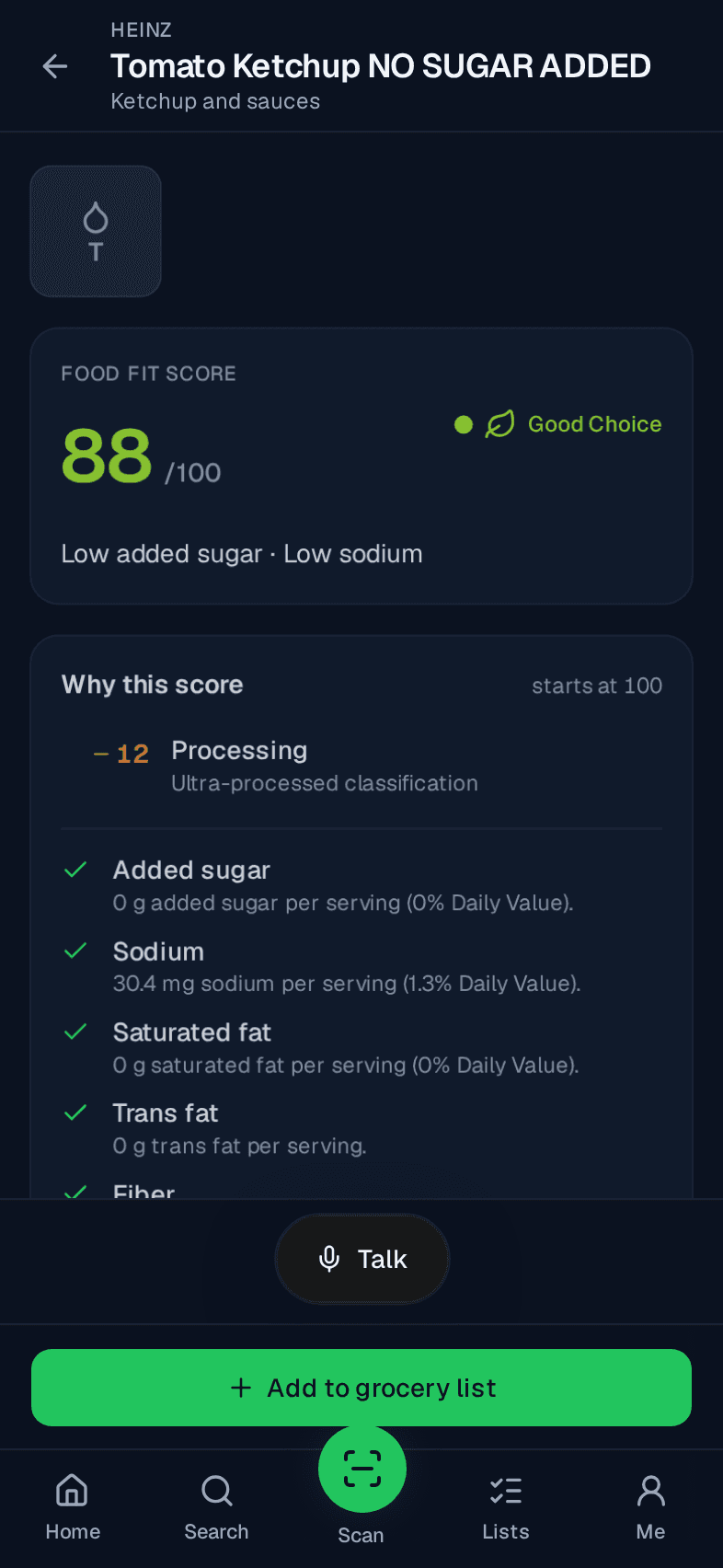
Compatibility
Avoid marks a product not compatible and names the ingredient you set. Limit lowers the score. No preference leaves that flag out. Unknown ingredients are not guessed.
Lists
Add foods, group them by store section, and check them off. A list is part of Light.
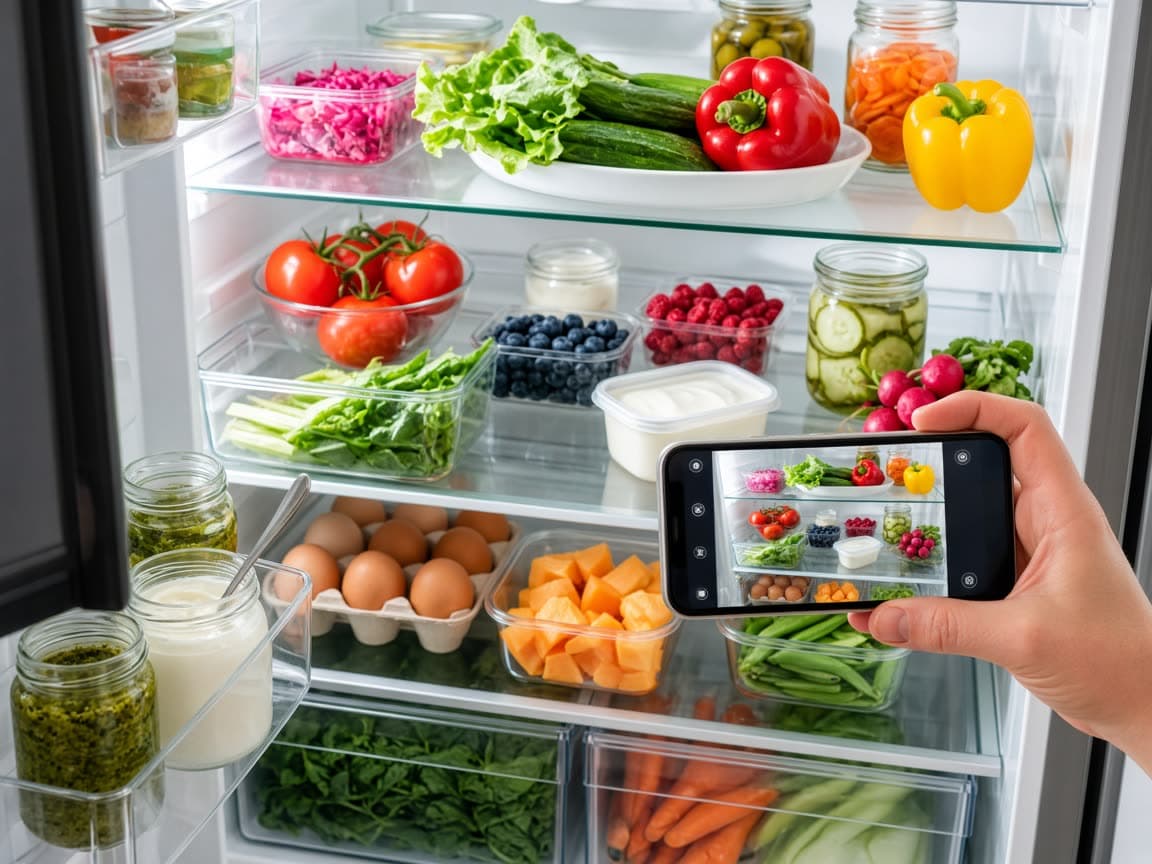
Pantry and fridge photoPremier
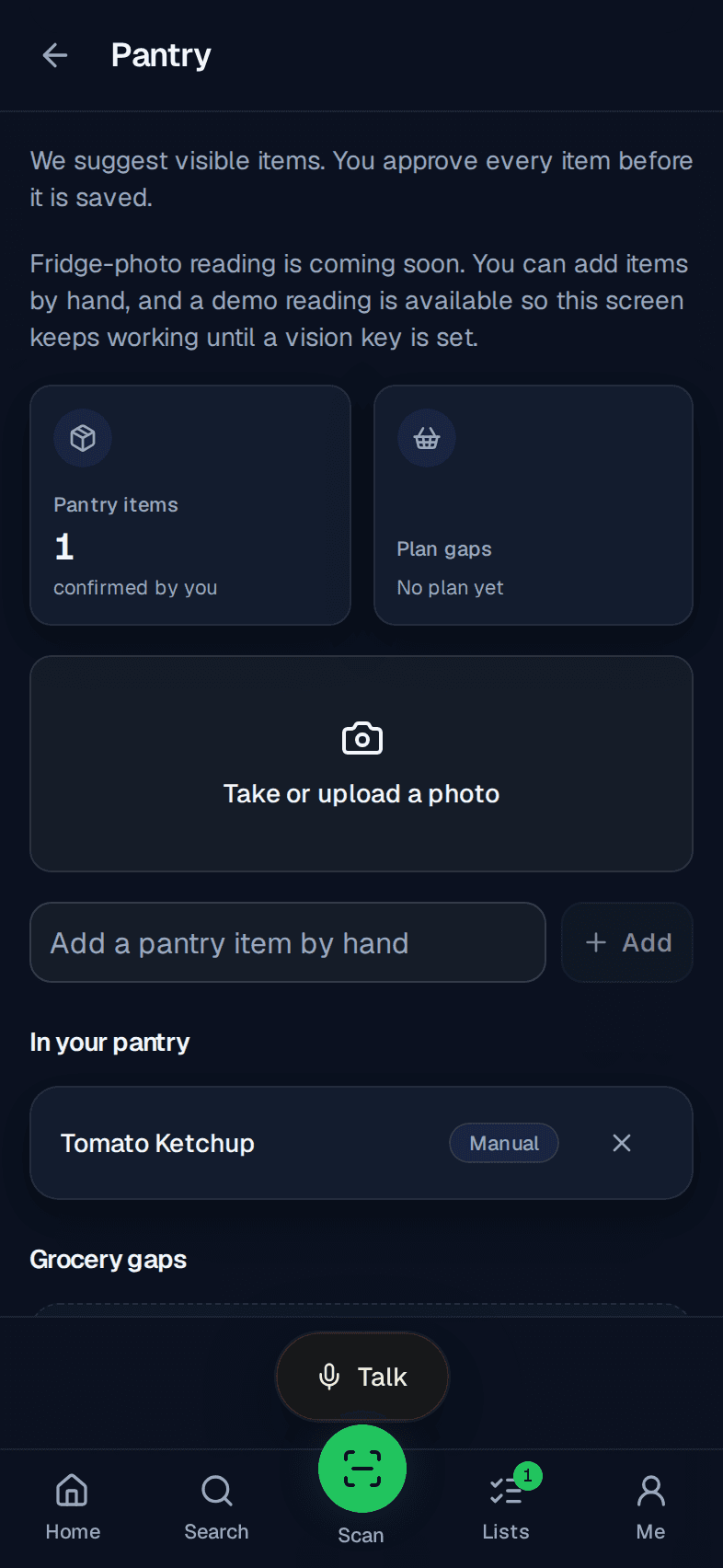
Premier keeps a pantry. A fridge photo can suggest items. You confirm each one before it is saved. If the reader is not configured, the screen says so.
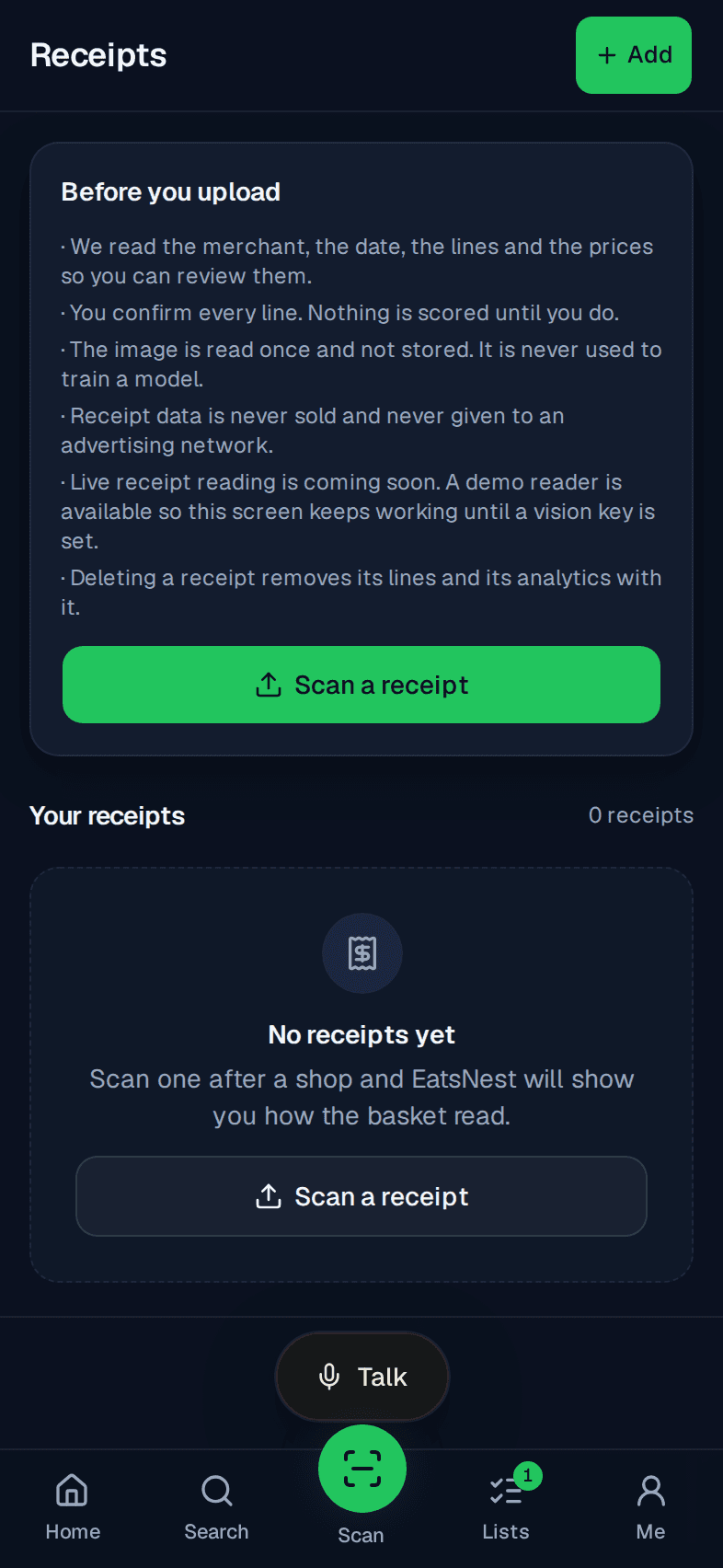
ReceiptsPremier
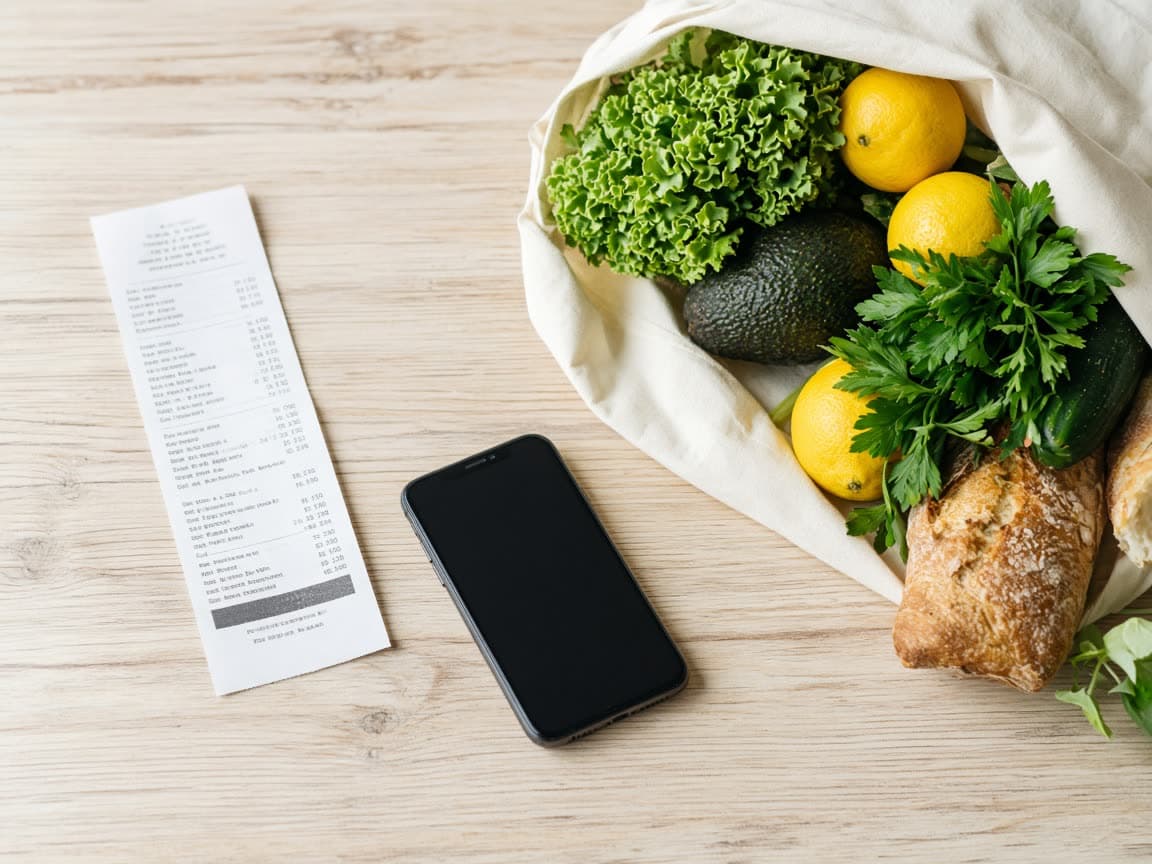
Premier can read a receipt photo into lines. Nothing is counted until you confirm it. You can exclude a line.
Meal planPremier
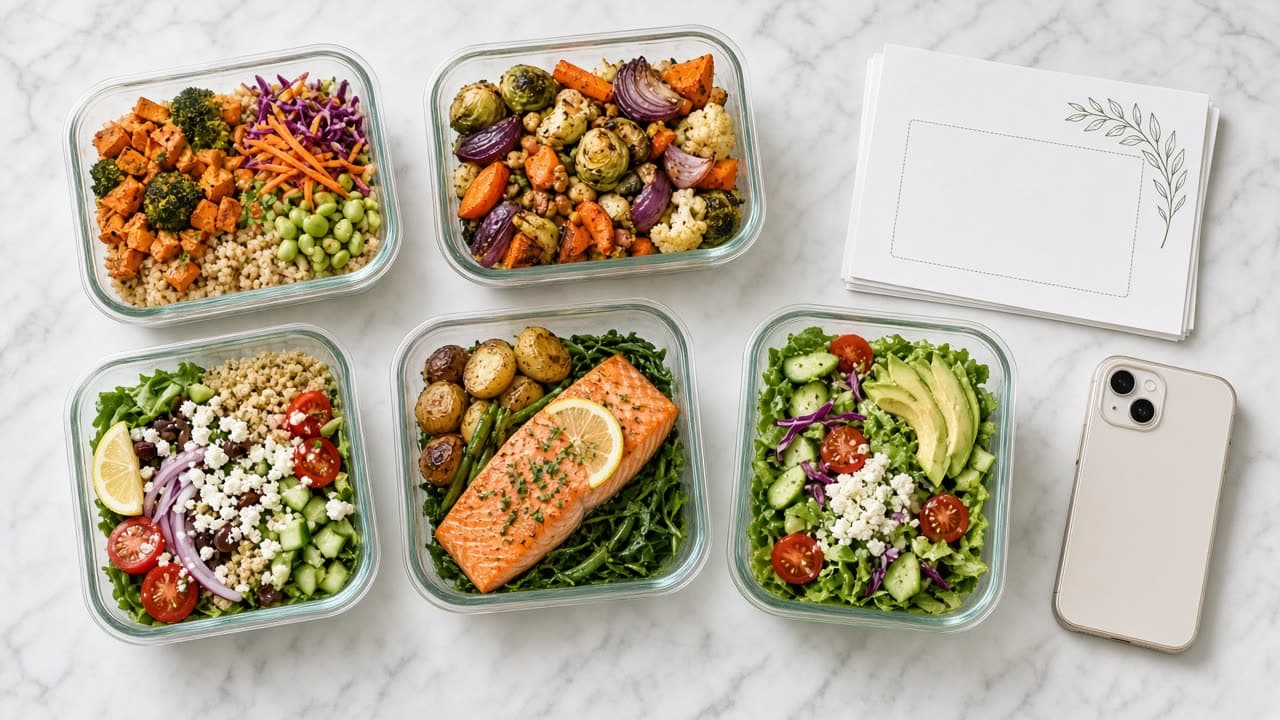
Premier builds a 3-day or 7-day plan from the meal templates in the catalogue, then lists the grocery gaps.
HouseholdsPremier
Premier lets you invite people to one household and share a list. One Premier subscription covers one household.